


Keep your Zoom or Google Meet
Paste your existing video links. Reminders, schedule and payments keep working around them, and our classroom is one button away when you're ready.
Everything you need to teach online, in one place: a whiteboard you both write on, exercises that mark themselves, and any website you can hand straight to your student. Reminders, invoices and parent updates look after themselves.
The call, the board and your materials share one window. The lesson happens in one place, and your student is doing something rather than just watching.
Explore the classroomEach student gets one thread that holds everything you've sent them.
Share your personal booking link anywhere. Students pick open slots without the endless back-and-forth. Booking reserves a lesson. No payment required.
We're not a marketplace. 0% commission, no hidden fees: payments go straight from your students to you.
Get your booking linkA student or parent books an open slot in your week.
They open the link in their browser and they're in.
The summary and next-step message go out for you.
The trial turns into a regular place in your schedule.
You don't have to move everything at once. Class Spot fits round the way you already work and takes the admin off you at whatever pace suits.
Paste your existing video links. Reminders, schedule and payments keep working around them, and our classroom is one button away when you're ready.
Drop in a textbook chapter or your own notes and get a draft guide with exercises that mark themselves. Tidying it up takes minutes.
Upload a photo of your paper notebook or a spreadsheet and Class Spot organises the balances. Check it through once, and it keeps itself after that.
Google Calendar syncs both ways. On day one it copies your existing schedule across, links and all.
Teachers, students and parents each get their own view in the same app. Lessons look right on a phone, which is where students actually are.
Every student conversation and every event in one feed, with a push when something needs you.
The lesson, the homework and their cards, all on the phone that's already in their hand.
Progress, invoices and your messages, whenever they want to check.
I used to lose an evening a week to reminders, invoices and hunting for last lesson's board. Now it's all in one tab, and I got that evening back.
Our work is to make teaching a student on the other side of the world feel as natural as teaching one across a desk.
Our missionSolo Pro costs less than one lesson you teach. Whatever your students pay you stays yours.
0% commissionyour students' money never goes through us
Solo Max — unlimited guides, recordings and the AI assistant on everything.
Compare plansFree forever plan: 40-minute lessons, 3 student profiles, 3 guides, boards and flash cards. Every paid plan comes with 14 days free, no card.
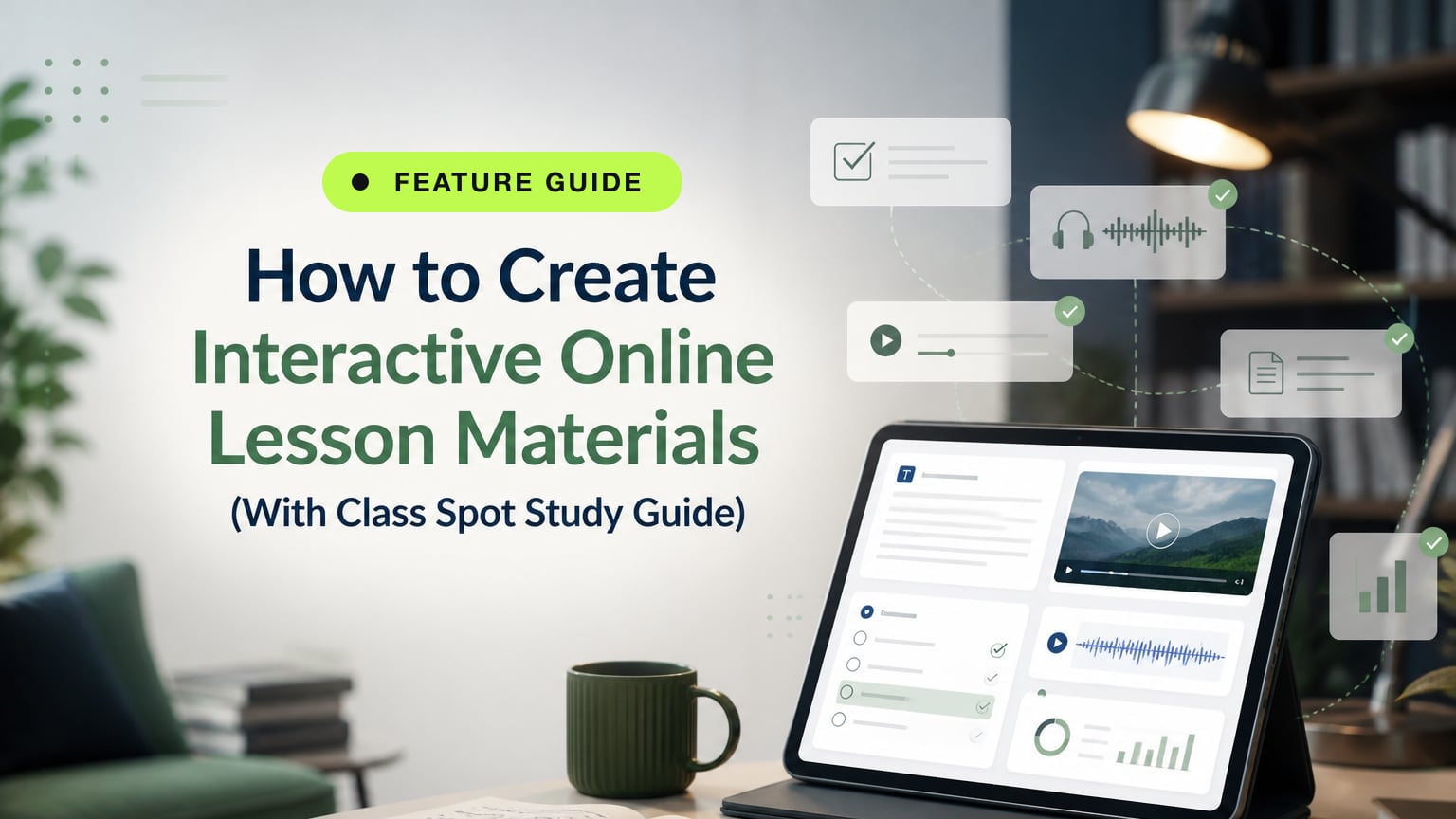
Build interactive lesson materials with text, quizzes, audio and video in one place — then use them live and turn them into auto-checked homework with Class Spot Study Guide.
Read more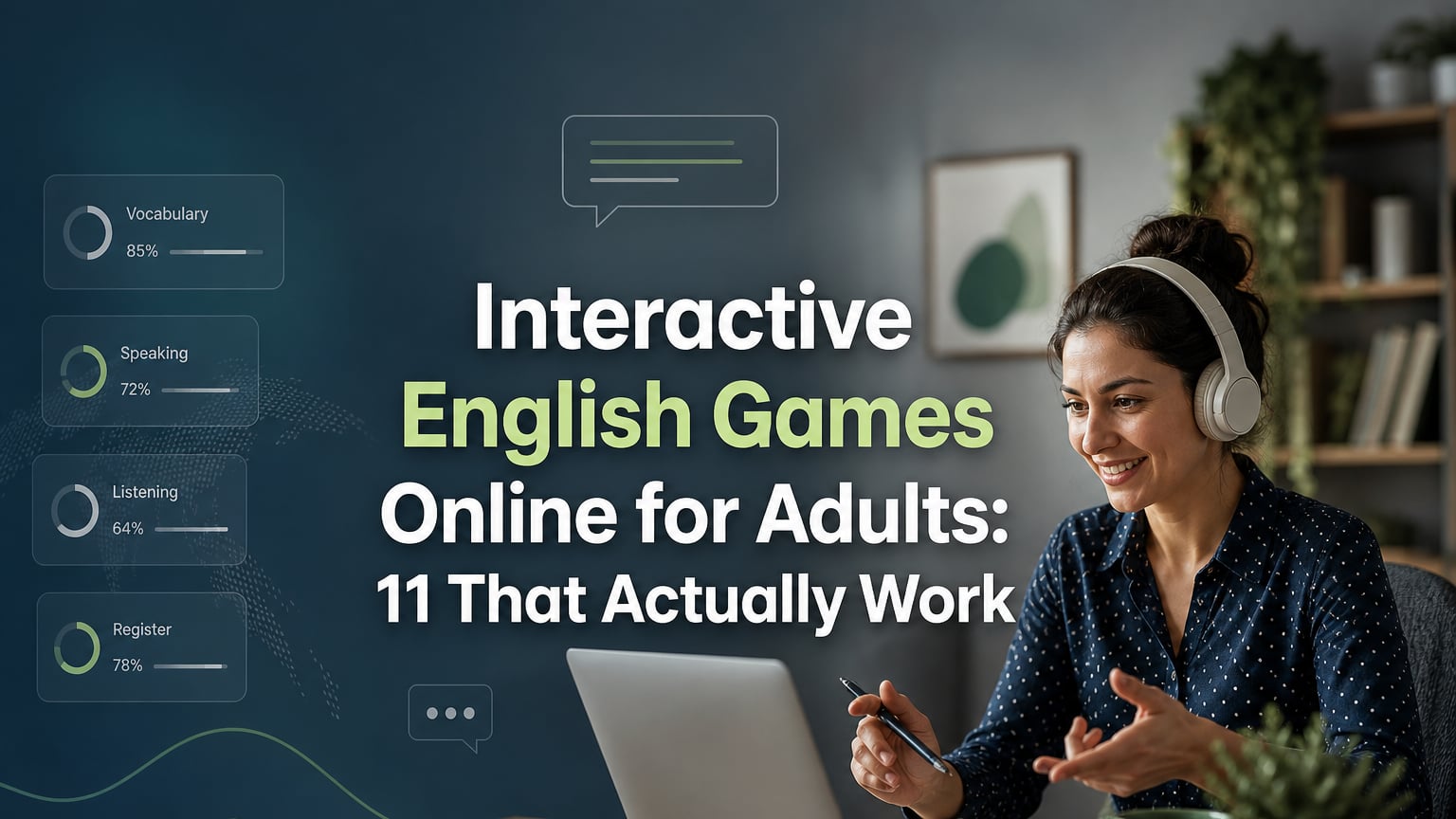
11 original ESL games designed for adult learners online — covering vocabulary range, speaking fluency, register, and listening — with time guides and formats for every activity.
Read more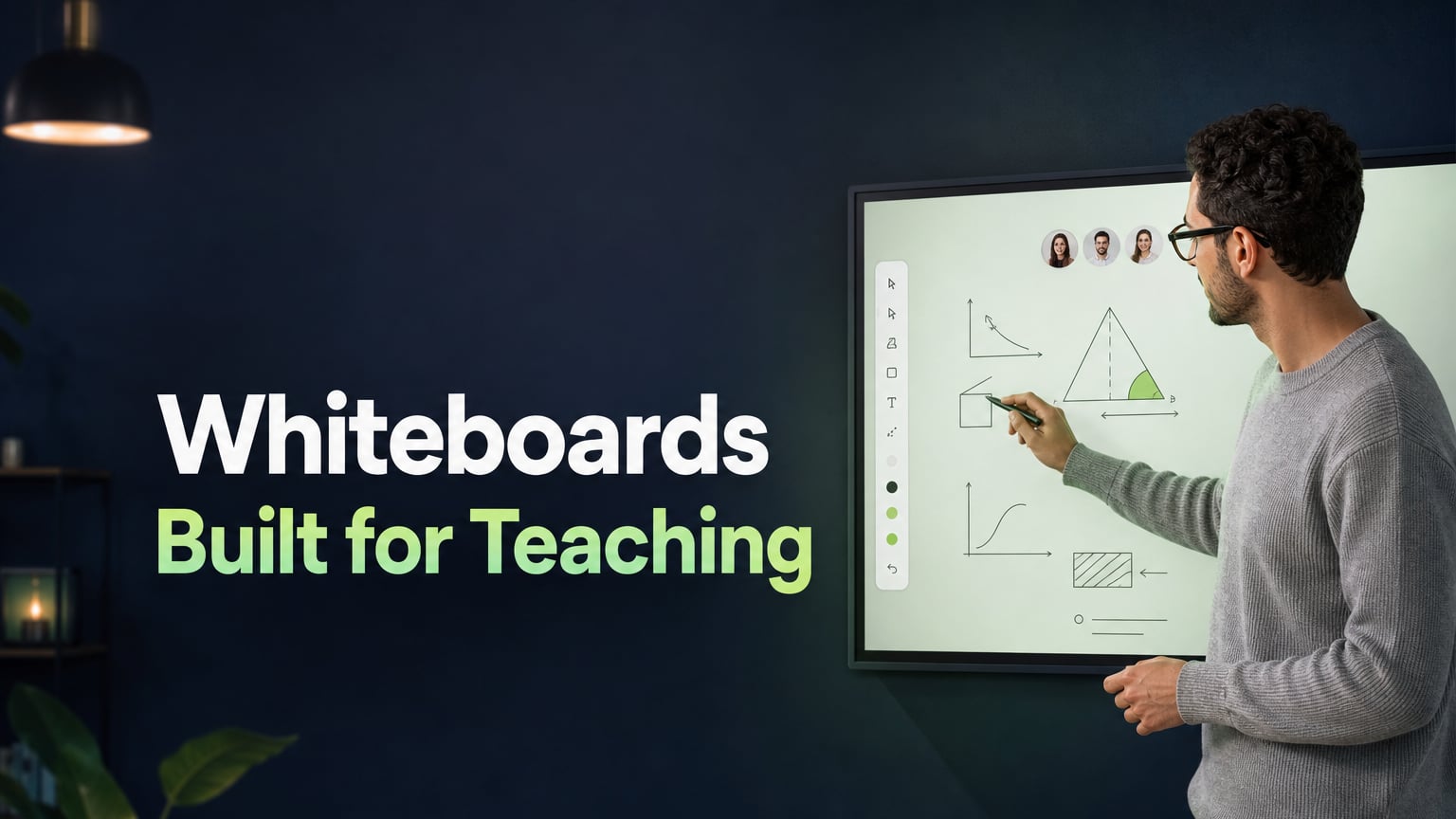
A shared writing surface built for instruction, not brainstorming: what a teaching whiteboard must include, why it belongs in the video-call tab, and what changes in a lesson.
Read moreThe things teachers ask before their first lesson on Class Spot.
Still have a question?You can still share your screen here, and sometimes that's the fastest way to show something. The difference is what your student can do. On a shared screen they can only watch you. In Class Spot the video call sits in the same window as the whiteboard, the exercises and the website you're teaching from, so they can write, answer and click themselves.
Click your link. That's it. It opens in a normal browser on a laptop, tablet or phone, and there's nothing to download and no password. If you also want to send them homework, messages and reminders between lessons, they sign up once, which takes a minute.
No. Paste your usual Zoom or Google Meet link into the lesson and keep calling the way you do now. The schedule, reminders, homework and payment tracking start working straight away around it. When you feel like trying our classroom, it's one button, and your students won't notice anything change until then.
Enough to teach real lessons without paying anything: the classroom with 40-minute lessons, 3 Student Profiles, up to 3 Study Guides, Boards and Flash Cards, and the AI assistant at the Whiteboard. No card needed and it doesn't expire. If you want to try a paid plan, each comes with 14 days free.
No, never. You pay us a flat monthly fee and that's the whole deal. Your students keep paying you exactly the way they do now, because their money doesn't go through us at all. What we do is keep the books for you: who owes what, invoices out on time, and a polite reminder when someone forgets.
Teach it here, and let your student remember the lesson instead of the software.
Students join lessons by link — no sign-up needed

 Continue with Google
 Continue with Apple