
If you asked a hundred online tutors which platform they use, most would say Zoom. Google Meet would come next, and a smaller group would mention more specialized tools.
However, the most popular platform is not always the best for teaching. Mixing up these questions is why many tutors use several tools to make up for what their main platform lacks.
This article answers both questions: what platforms tutors actually use, why they choose them, and where each popular option stops being the best fit for live tutoring.
The Most Popular Online Teaching Platforms in 2026
Based on adoption data across educator communities, tutoring forums, and platform usage surveys, the landscape in 2026 looks like this:
1. Zoom — The Default Platform for Online Teaching
Zoom is the most widely used platform for online teaching around the world. Its popularity is mostly due to reasons that are not directly related to how well it works for tutoring.
When remote learning became common in 2020 and 2021, Zoom was already the main tool for professional video calls. Schools, institutions, and tutors all began using it at once, so it quickly became familiar. Now, most students have used Zoom before their first tutoring session, so tutors do not need to explain how it works.
Why it's popular: everyone is familiar with it, video and audio quality are good, one-on-one calls are unlimited in the free version, and students can join easily with a link.
Where it falls short for tutors: Zoom only provides video. It does not include a built-in whiteboard, student profiles, homework tools, progress tracking, or ways to interact during lessons. Tutors need extra tools for these features. For a full list of what Zoom offers and lacks for tutors, including a comparison with Class Spot, see the detailed comparison article.
2. Google Meet — The Second Most Common Choice
Google Meet is similar to Zoom but is mainly used by people who already use Google Workspace, such as Gmail, Google Docs, and Google Calendar. Its main advantage is that students with Chrome devices can join easily without downloading anything. It also works well with Google Classroom in schools.
Why it's popular: students do not need to download anything, it works well with Google Workspace, has a simple design, and is free with a Google account.
Where it falls short: it has the same limits as Zoom — it's just a video call tool, not made for teaching. It doesn't have a whiteboard, student profiles, homework tools, or progress tracking.
3. Microsoft Teams — Dominant in Institutional Settings
Teams is the most used platform in schools and institutions that use Microsoft 365. For individual tutors working alone, it is rarely the first choice because it is too complex and designed for large organizations, not for one-on-one tutoring.
Why it's popular: it comes pre-installed in many schools, works with Office 365, and is good for managing large groups.
Where it falls short for individual tutors: the interface is designed for organizations with departments and channels, not for tutors managing 10 small groups of students. Students also need Microsoft accounts to join.
4. Miro — Popular as a Whiteboard Add-On
Miro is not mainly an online teaching platform. It is a shared whiteboard tool often used in design, product, and consulting work. Many tutors use it as a whiteboard alongside Zoom or Meet calls because it offers better visual features than those platforms' built-in tools.
Why it's popular with tutors: the whiteboard is excellent for detailed visual work, has many templates, and allows people to work together smoothly in real time.
Where it falls short: Miro requires students to use a tool designed for professional teams rather than for learning. It also lacks student profiles, homework, or progress tracking. Until recently, it needed a separate video call, but video is now included in paid plans.
5. Purpose-Built Tutoring Platforms — Growing, But a Smaller Share
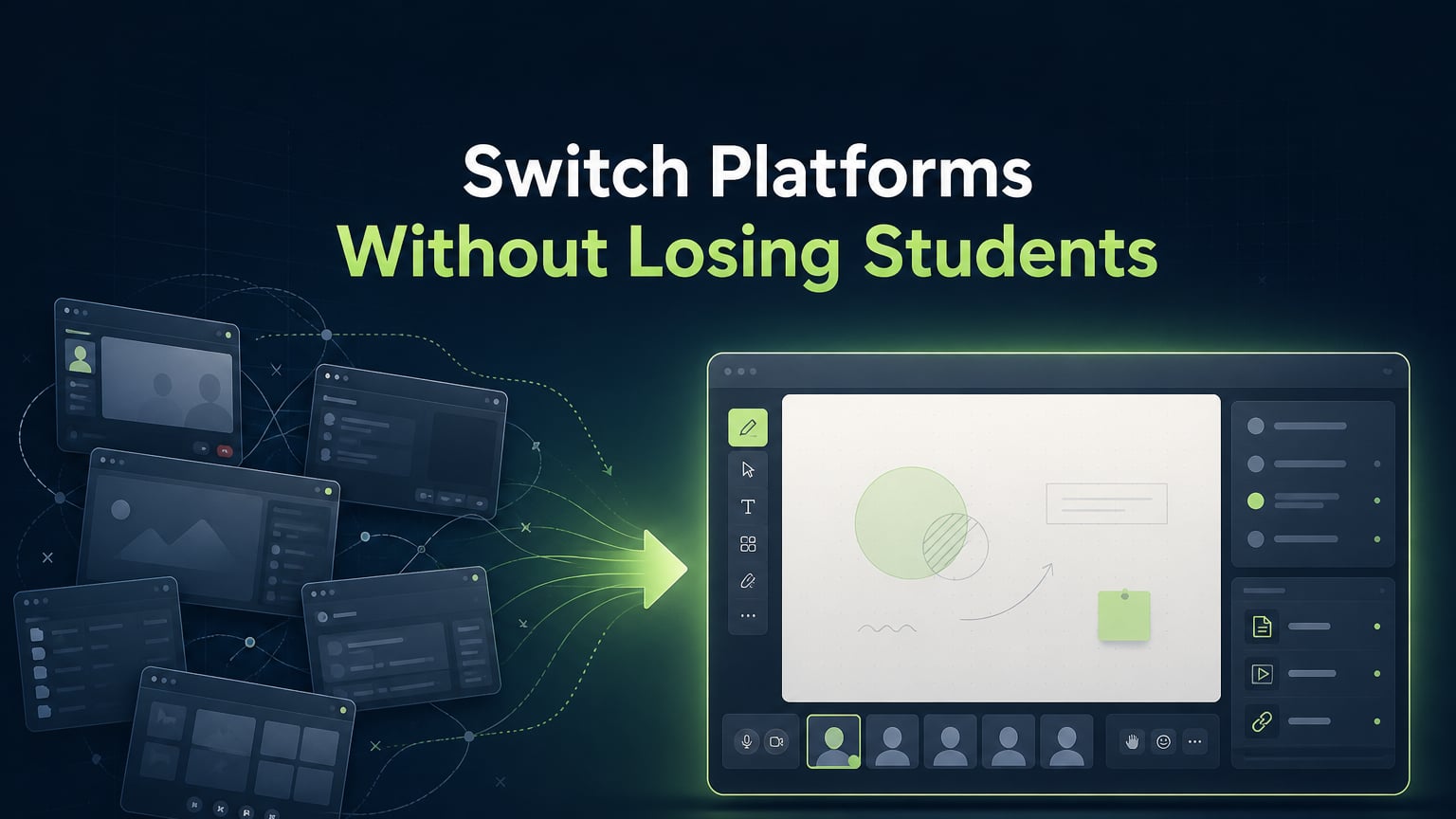
Platforms like Class Spot, designed specifically for tutoring rather than adapted from general video tools, make up a smaller but growing part of the market. More tutors are choosing them because they're tired of using multiple separate tools and want a single all-in-one option.
What sets purpose-built platforms apart is that they focus on the lesson itself, not just on the meeting or group work. Video, whiteboard, student management, and homework are all combined because they are part of the same task: running a well-organized, interactive tutoring session that tracks progress.
Why Popularity Doesn't Equal Best for Teaching
The difference between "most popular" and "best for teaching" is important because it helps explain why tutors feel unhappy with their setup but can't exactly say why.
Zoom became the top online teaching platform because schools and institutions started using it at a certain time, not because it was tested for tutoring needs. In 2020, schools and tutors just needed a video call that worked, and Zoom provided that. Features that would make video calls better for teaching, such as a built-in whiteboard, student information, and lesson tools, were not considered because the main goal was simply to keep in touch with students.
Using Zoom made people familiar with it, so they continued to use it. Tutors who could now use a better setup still use Zoom because students already know how to join, switching feels risky, and the cost is not obvious. The cost shows up as extra prep time, fixing notes after lessons, and the small hassle of switching between tabs during lessons, rather than as one clear problem.
The real question is not "what do most tutors use?" It is "what do tutors who build lasting, well-organized, student-focused practices use after a few years?" The answer is more and more integrated platforms, not teaching with five different tools.
What to Use Instead, Depending on Your Teaching Context
| Teaching context | Best-fit platform |
|---|---|
| Live 1-on-1 tutoring, any subject | Class Spot (integrated) or Zoom + supplementary tools |
| Large group or webinar format (10+ students) | Zoom |
| Institutional school setting (Microsoft ecosystem) | Microsoft Teams |
| Complex visual/design subject with advanced board needs | Miro (+ separate video call) |
| Pre-recorded courses and async content | Teachable or Thinkific |
| ESL specifically, 1-on-1, with interactive lesson needs | See best online classroom for ESL teaching |
For a full side-by-side across six platforms with honest pros and cons for each, the complete platform comparison covers everything in one place.
The One Question That Cuts Through Platform Confusion
When considering any online teaching platform, one question helps you decide quickly: was it made for meetings or for lessons?
A meeting tool, such as Zoom, Google Meet, or Teams, is designed for people who already know the background and have materials. The meeting is mainly a discussion.
A lesson tool is designed for organized teaching from tutor to student, active practice, instant feedback, and record-keeping that shows how a student has improved over time.
Zoom is great at what it was designed for. However, for most online tutoring needs, a virtual classroom built around the lesson, not just the meeting, works better.
Try Class Spot for free and set up your first lesson in two minutes.
Frequently Asked Questions
What is the most widely used platform for online teaching?
Zoom is the most widely adopted platform for online teaching globally, mainly because of its universal familiarity and reliable video quality. Google Meet is second, especially among users in Google Workspace environments. For tutors who need more than a video call, such as an integrated whiteboard, student profiles, homework tools, and progress tracking, purpose-built tutoring platforms are becoming the preferred choice.
Is Zoom the best platform for online tutoring?
Zoom is adequate for the video call part of online tutoring, and its familiarity is a real advantage. However, it lacks a teaching-specific whiteboard, student profile management, homework tools, and progress tracking. This means tutors who use Zoom alone usually need two to four extra tools per lesson. Platforms built for tutoring combine all of these features in one place.
What platform do most online tutors use in 2026?
Most still use Zoom as their main tool, often adding Miro or Google Docs for whiteboard features and WhatsApp or email for homework and communication. A growing group, especially tutors focused on retention and lesson quality, has switched to an integrated tutoring platform.
Why is Zoom so popular for online lessons?
Zoom became popular in education because so many people started using it during the 2020 and 2021 period of remote schooling. This made it familiar for both tutors and students. The fact that students already know how to join has kept Zoom popular, even as more specialized alternatives have appeared.
What is a better alternative to Zoom for online teaching?
For live one-on-one tutoring, Class Spot combines video calling, an interactive whiteboard, student CRM, homework management, and progress tracking in a single browser tab. These are features that Zoom needs several extra apps to provide. Students can join with a link and do not need to download anything, so switching is as easy as using a Zoom link.