
Based on qualitative JTBD research with practicing UK online tutors.
Key Takeaways
- First impressions matter for pricing. Parents and students often decide how much a tutor is worth by noticing small details before any teaching starts.
- The 9-Signal Framework shows that professionalism comes through in three stages: before the lesson (like booking and sharing links), during the lesson (such as preparing the board and switching tabs), and after the lesson (with homework and progress reports).
- Using lots of different apps, like Zoom, WhatsApp, and Google Docs, can make your tutoring seem less professional and lower in value.
- Investing in a dedicated virtual classroom is affordable—it costs less than half of one lesson each month. This upgrade can help you raise your hourly rates by 25 to 50 percent.
Why "Professional Signals" Directly Impact What You Can Charge
When you tutor online, students and parents often decide what they think of your skills before you even start teaching.
Everything from the link they use to join, to the first screen they see, to whether your whiteboard is ready, and how quickly you start, all send a message. These are not just small details—they show how professional you are.
If you use an informal setup, like Zoom and WhatsApp with a blank whiteboard, people may see you as more of a casual peer. This can limit how much you can charge.
On the other hand, if you use a dedicated classroom with a prepared board and built-in tools, you come across as offering a premium service. This can help you charge higher rates.
If your setup looks unorganized, people might assume you charge less. Even if your teaching is excellent, what clients are willing to pay often depends on how professional your setup appears.
We've conducted several interviews with tutors in the UK, and many said they upgraded their technology because they wanted to look credible and show parents they were worth higher hourly rates. Also, it helped to stop students quitting online lessons.
The 9 Professional Signals Framework for Online Tutors
Professionalism in online education isn't about formal dress. It's about showing clear and consistent organization. Here are some practical ways to show professionalism at every stage of the learning process.
Phase 1: Pre-Lesson Signals – Building Trust Before Class
1. Easy Booking and Communication
- The Mistake: Going back and forth on WhatsApp several times just to set a time.
- The Signal: Use a clear system for booking. Sending a calendar link or a well-organized email shows you value your time and are prepared.
2. Proactive Pre-Lesson Confirmations
- The Mistake: Sending the meeting link just five minutes before the session.
- The Signal: Send a quick confirmation message a day before the lesson to set expectations:
- "Looking forward to Tuesday at 4 PM. We'll be working on quadratic equations. No prep needed on your end. Here is your lesson link: [link]. See you then."
3. Immediate Visual Readiness
- The Mistake: The student joins a Zoom call and only sees a blank screen with the default background.
- The Signal: When the student joins, they see a ready workspace with their name, the day's goal, and a starter task.
Phase 2: In-Lesson Signals (Delivering Seamless Value)
4. The Pre-Loaded Whiteboard
In a physical classroom, students usually see the lesson topic written on the board when they arrive. Online, if the screen is blank, it can feel like the teacher is still getting ready while the student waits. Taking a couple of minutes to add key formulas, reference sheets, and lesson goals before class starts shows you are prepared and in control.
5. Zero Mid-Lesson Tab Switching
- An amateur move is saying things like, "Hang on, let me stop screen sharing and find that PDF link," or jumping between several windows during the lesson.
- A professional approach is to run the whole lesson in one browser window, where you can use video, upload PDFs, and draw, all in the same place.
6. Explicit Lesson Structure
In informal tutoring, lessons often jump from topic to topic until time is up. High-quality tutoring, on the other hand, follows a clear structure:
- Goal Setting: Stated clearly on the board.
- Guided Practice: Interactive problem solving.
- Synthesis: Explicitly reviewing what was achieved before signing off.
7. Built-In Interaction Tools
When you ask, "Do you understand?" it can put students—especially younger ones or those learning in a second language—in an awkward position. Good teaching platforms offer simple non-verbal tools like thumbs-up, confusion flags, or quick polls, so students can give feedback easily without interrupting the lesson.
Phase 3: Post-Lesson Signals (Ensuring Long-Term Retention)
8. Systematized Homework Tracking
When you assign homework through a quick WhatsApp message, it can seem optional and informal. Using a dedicated student portal to assign and review homework shows accountability, which is exactly what parents expect.
9. Monthly Progress Updates
If you send parents a short, three-minute progress report each month without them having to request it, you show that you are more than just filling a time slot. You become a trusted educational consultant.
The Math Behind Virtual Classroom ROI
Many tutors hesitate to use a dedicated platform because of the monthly subscription cost. Still, the money you can earn usually makes the fee worthwhile.
| Metric | Basic Setup (Zoom + Apps) | Professional Setup (Class Spot) |
|---|---|---|
| Perceived Positioning | Freelancer / Homework Helper | Educational Specialist |
| Typical Hourly Rate | £20 – £30 / hour | £40 – £70+ / hour |
| Monthly Software Cost | Free – £12 | ~£12 – £15 / month |
| Break-Even Point | N/A | 1/3 to 1/2 of a single lesson per month |
If having a professional, all-in-one setup helps you feel confident enough to raise your rates by even £5 or £10 per hour, this software will cover its own cost in just your first two lessons each month.
Why Fragmented Toolstacks Fail
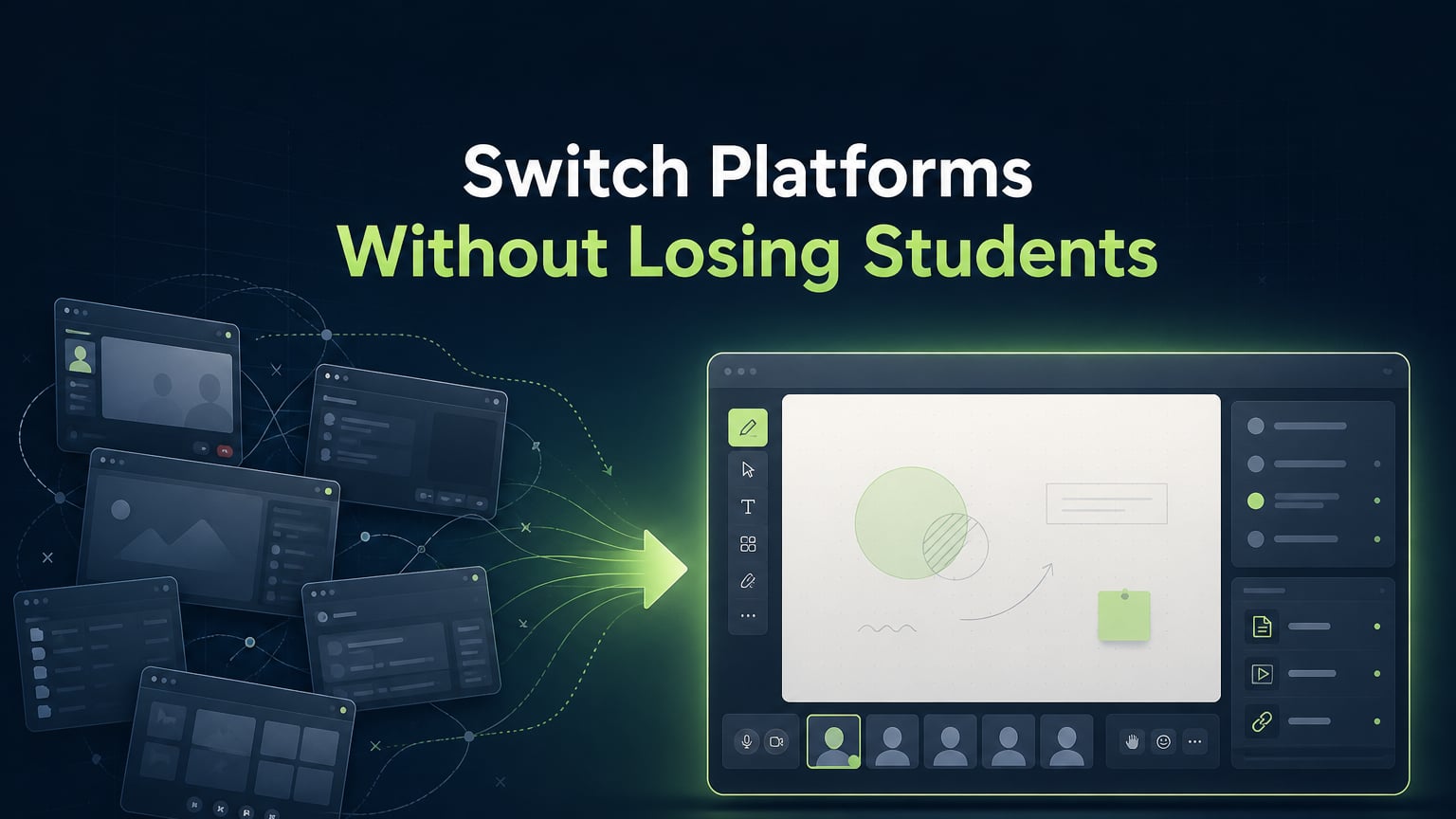
Many tutors try to manage these 9 signals by using different tools. For example, they might use Zoom for calls, Miro for whiteboards, WhatsApp for messaging, and Google Drive for files.
This setup works, but it creates extra work to manage everything.
- Tutors have to juggle five different apps and log into each one.
- Student records get scattered, and homework links are often lost.
- Technical problems also come up often during live lessons.
A virtual classroom like Class Spot brings everything together. It combines video calls, an interactive whiteboard, student profiles, and homework management in one place. Students do not need to download any software.
Upgrade Your Tutoring Business Today
Building a premium online tutoring practice doesn't require expensive hardware—it requires intentional infrastructure.
Class Spot gives you a complete, professional virtual classroom from day one. Zero downloads required for students, instant pre-loaded whiteboards, and integrated student tracking.
Frequently Asked Questions
How do I look more professional as an online tutor?
To look more professional, set up clear routines. Send pre-lesson confirmations, start each session with your whiteboard ready, teach in one browser window without switching tabs, and send monthly progress reports to parents without being asked.
Does using a dedicated tutoring platform help tutors charge higher rates?
Yes. Research from the UK shows that parents often decide if a tutor's rates are fair based on the learning environment. Using a dedicated virtual classroom shows your service is structured and high-quality, so you can charge more than tutors who use basic video calls.
What makes an online tutor look credible to parents?
Parents see tutors as credible when they show structure, preparation, and accountability. If you communicate clearly before lessons, set visible goals, track homework, and give regular updates, parents know you're offering a real educational service, not just selling your time.
What is the best setup for professional online tutoring?
A good online tutoring setup puts video calls, interactive whiteboards, document sharing, and student profiles all in one browser tab. This way, students don't need to download extra software and you avoid switching between screens during lessons.
About the Research
Insights in this article are derived from qualitative Jobs-to-be-Done (JTBD) interviews conducted with active online tutors in the United Kingdom in July 2026.