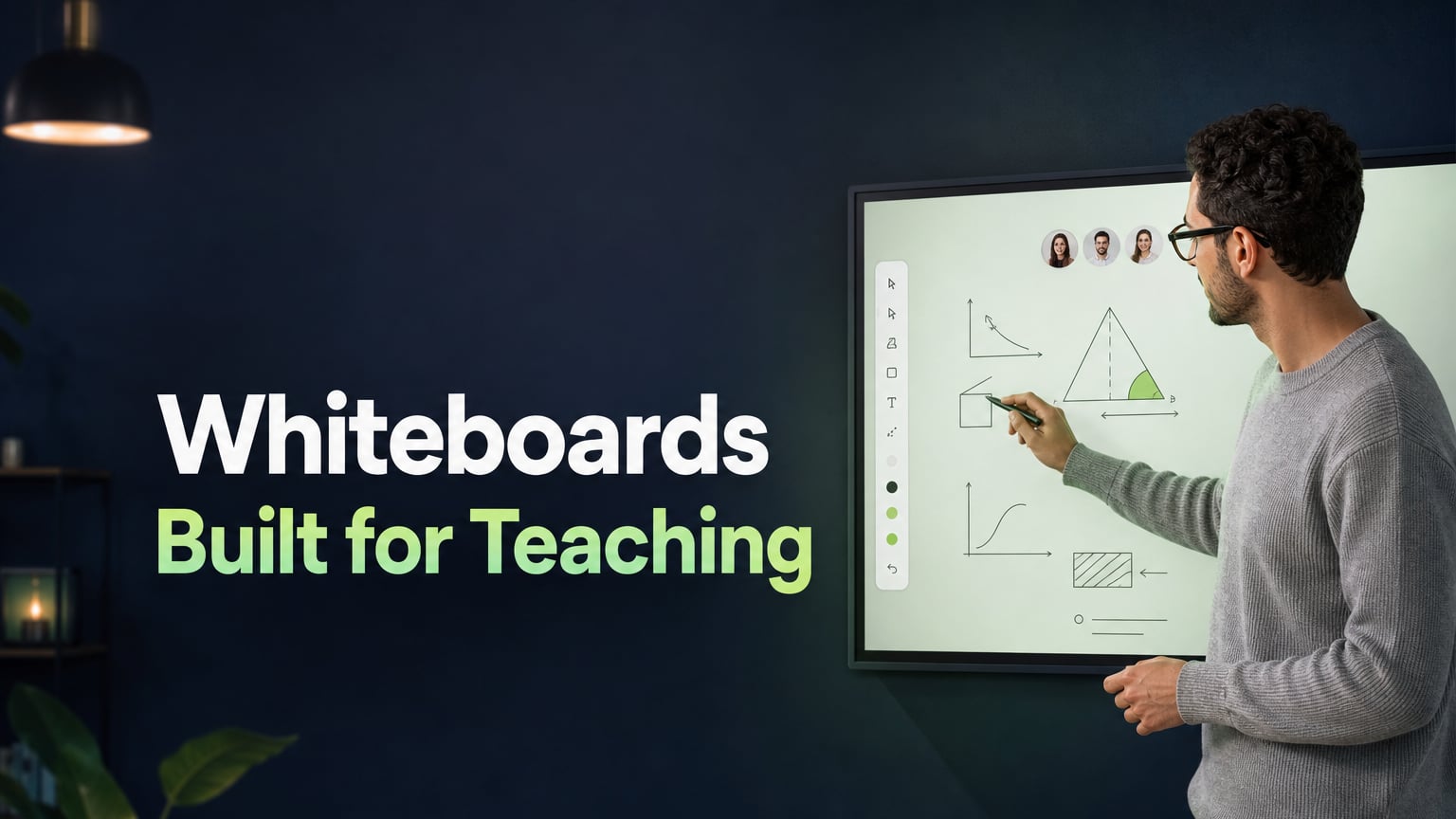
Teaching maths online is more difficult than with most other subjects — not for the reasons that people think. The problem lies with the tools. Most tutors are giving their lessons through a video call, using either no shared writing area or a whiteboard that was designed for sticky notes and team brainstorming, not for equations and coordinate geometry.
Do your work, draw that graph and go through each step with us. These are the fundamental requirements of maths teaching, and each and every one of them demands the use of a common, annotatable writing surface. Without such a surface, the lesson is constantly struggling against the medium.
Why Maths Has Three Problems That Other Subjects Don't
1. The work should be shown in real time.
In mathematics, the working is just as important as the final answer. A student who arrives at the correct answer for the wrong reason is not actually learning. The tutor must write out each step one after the other, and the student has to write their next step before the tutor does, rather than just watching it being written. For this to happen, a shared whiteboard is needed on which both the tutor and the student write, not a document that one person scrolls through.
2. Producing accurate graphs.
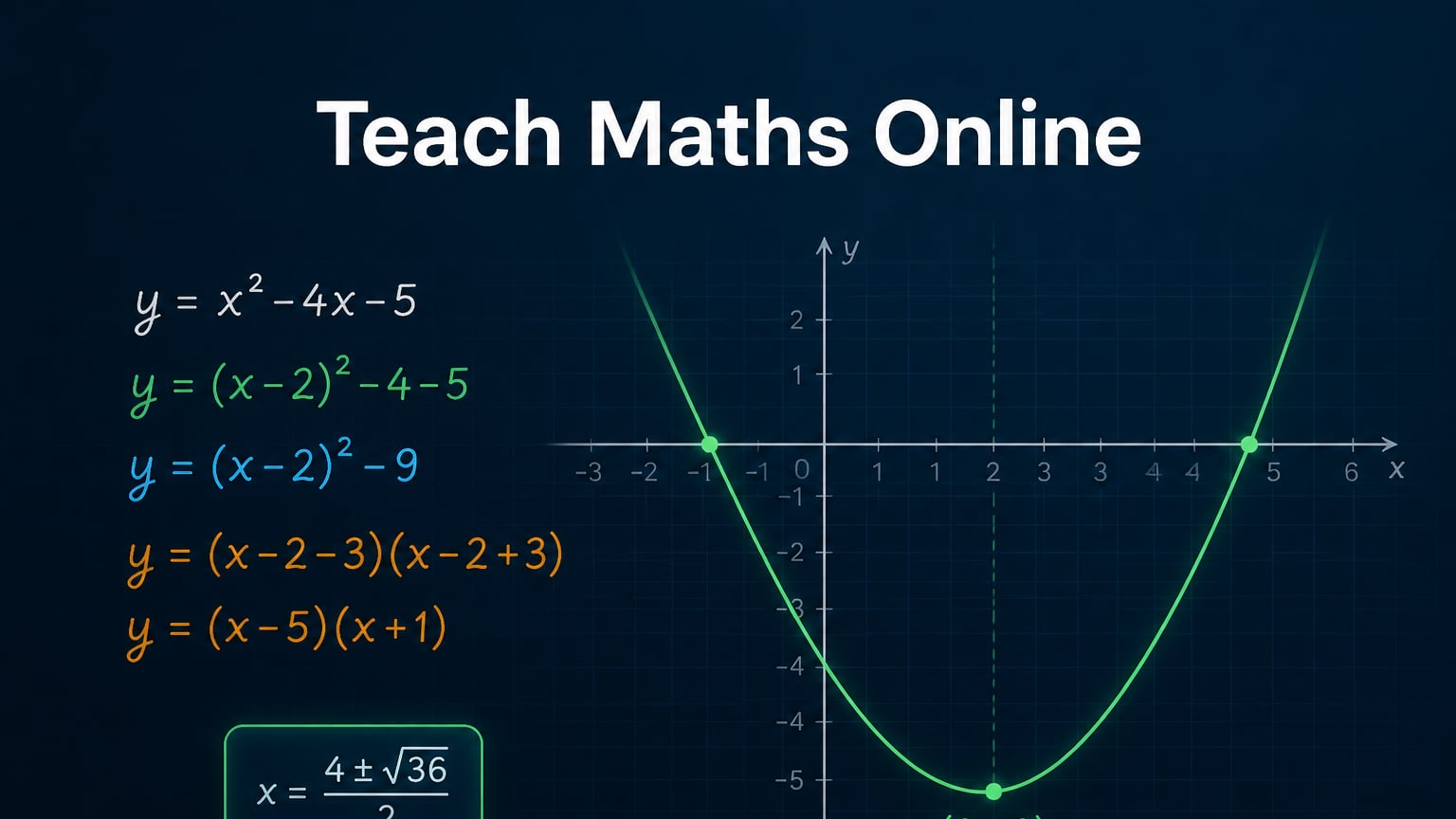
A quadratic equation drawn freehand using a mouse is generally not recognisable. In cases more complex than a straight line, an imprecise sketch doesn't merely appear wrong — it instills the wrong mental model. Students who see an inaccurate parabola will internalise an incorrect shape. It is essential that the graph be correct if the surrounding teaching is to be effective.
3. Writing mathematical expressions in a legible form.
The expression 'x^2 + 3x - 4 = 0' is easy to read. However, when fractions are shown as fractions, exponents are presented as superscripts, and roots are displayed using root symbols, this kind of presentation communicates the mathematical structure in a manner that plain text cannot. The student has to translate the typed notation before they can understand the mathematics, and that translation step should not be necessary.
Three Whiteboard Techniques That Make the Biggest Difference
Colour-coding
A consistent four-colour system across all sessions eliminates the cognitive overhead of parsing a worked example:
- Black — main working, step by step
- Blue — key values, substitutions, final answers
- Red — errors, crossed out and corrected
- Green — teacher annotations and notes
If the system is consistent, then the student no longer has to decide which part of the board to concentrate on and instead concentrates on mathematics.
The Gap-Fill Method
Prepare a full solution on the interactive whiteboard and then use the eraser to delete certain steps — for example, the substitution, the middle term in the factorisation, and the value of the discriminant — asking the student to fill in the missing sections by writing directly on the board.
It turns what was a passive activity into an active one. The level of difficulty is completely determined by the steps which you delete—ranging from simple arithmetic gaps for younger students to having to reconstruct a proof step for A-Level. It is one of the most useful methods at the tutor's disposal and all it needs is the standard eraser tool found on the whiteboard.
Give the Student the Pen
The most effective habit in online maths tutoring is for the student to write the next step themselves rather than you. The effect of generation on retention is much greater than that of observation. A student who has written fifteen steps during a lesson has carried out more mathematical thinking than another student who had watched the tutor write thirty steps. Assign each student their own colour from the very first lesson and make it a regular part of every session for the student to take over the board.
The Two Features That Change Everything for Maths
Whiteboards made for teaching have features you won't find in general collaboration tools.
Built-In Graph Builder
Class Spot's built-in graph builder lets you make accurate mathematical graphs right on the board, without needing to switch apps. The x-intercepts, turning point, and asymptote all appear exactly where they should.
This is important for quadratics and polynomials, where the shape has real meaning and a rough sketch can hide key details. It also matters for trigonometric graphs, where period, amplitude, and phase shift need to be shown at the right scale, for coordinate geometry when two lines must meet at the correct point, and for any statistics work with plotted data.
The graph stays on the board next to the student's work. Students can mark the roots, label the vertex, or draw a tangent, just like they would on graph paper in a regular classroom.
Formula Writing Tool
Class Spot's formula writing tool shows math expressions in the right format: fractions look like fractions, exponents are superscripts, and symbols like integrals, roots, and Greek letters appear just as they do in textbooks and exams.
For algebra, calculus, or any formula-heavy topic, this means the board matches what students see in exams, not a text message. It removes an extra step that shouldn't be part of learning math. It closes the two largest gaps between physical and online maths teaching. No general-purpose video platform provides either.
Quick Notes by Subject
For algebra, use a two-column format (with the operation on the left and the result after the operation on the right) so that students can see the logic of "doing the same thing to both sides" as a visual process rather than just as a rule, and colour-code the equivalent forms as you manipulate them.
For geometry, draw the diagram before the lesson with the dimensions already indicated so that the student is given something to note down rather than facing a blank canvas. Use the geometric shapes tool to ensure accuracy and the graph builder for coordinate geometry.
For GCSE and A-Level, you should upload past papers in PDF format directly to the board. The student should work on one section while the mark allocation is noted on another. When displaying the entries from the formula sheet, do so using correct notation next to each problem so that students get the chance to practice identifying the appropriate formula before they have to use it in an exam.
The Platform Built for This
All of the techniques mentioned above call for a common writing surface together with a number of specific tools: a pencil, geometric shapes, an eraser, a colour palette, tracking, the ability to save the board, media upload – and in the case of mathematics, a graph builder and a formula tool.
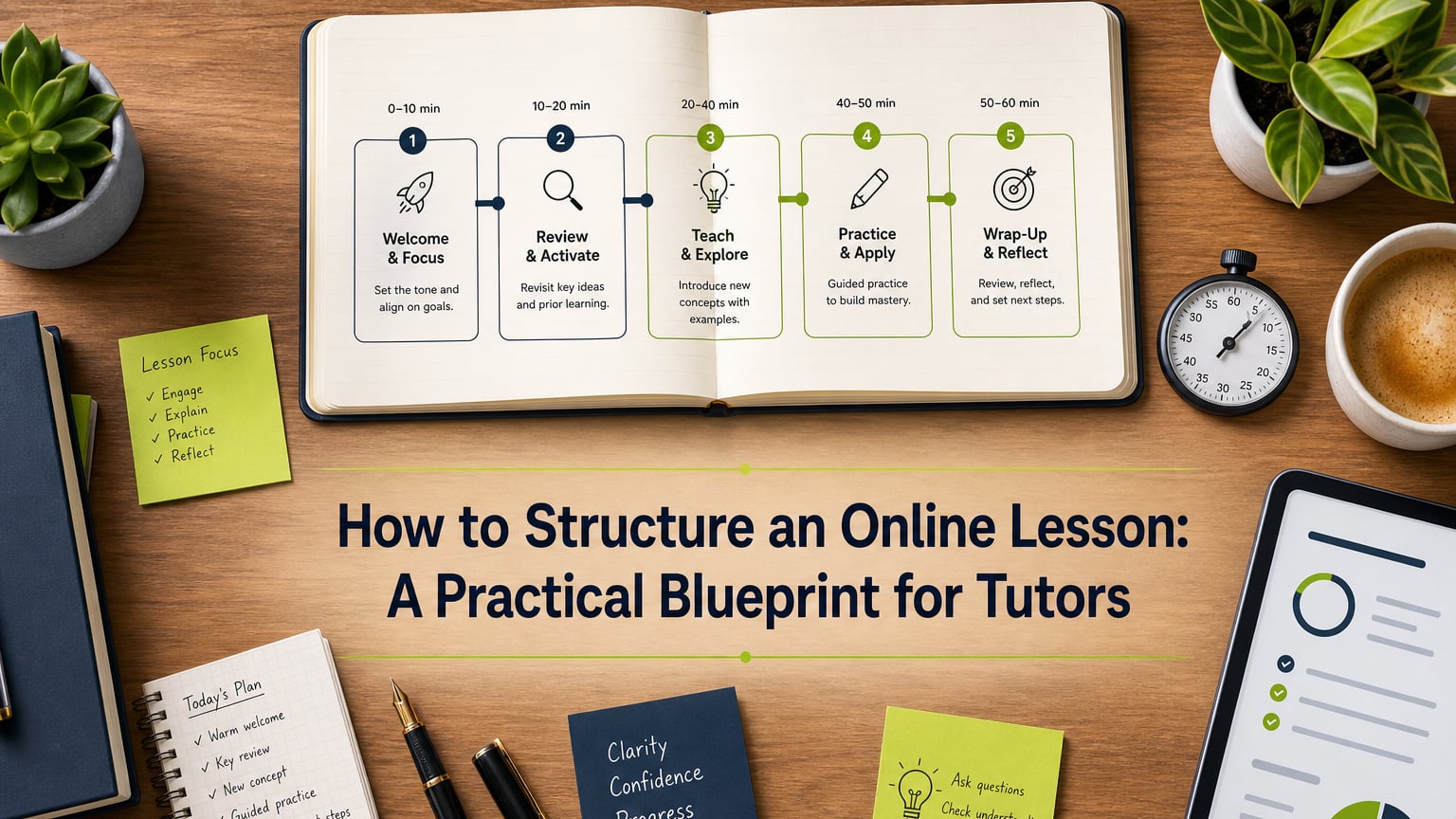
The virtual classroom that has been set up for tutors on Class Spot combines all of these features with the video call within one tab. The student simply has to click on a browser link to join — there is no need to download anything or create an account. The board is already prepared when they arrive. If you want to see a full explanation of how to use a whiteboard effectively in any subject, refer to the article on how to use a virtual whiteboard to keep students engaged. The guide on lesson structure which is suitable for any subject also applies directly to maths lessons.
Try your next maths lesson in Class Spot — free, no credit card required
Frequently Asked Questions
How do you teach math well online?
The essential requirement is a common board which can be annotated and on which both tutor and student can write in real time; in addition to the tools, the most effective structural practice is to get the student to try each problem — or to write the next step — before you do, since corrections are more educational than any explanations provided in advance.
What are the tools that online maths tutors use?
The most effective configurations make use of an integrated virtual classroom together with a shared whiteboard, a built-in graph builder which enables accurate mathematical graphs to be produced, a formula writing tool for creating properly formatted expressions, and the facility to upload past papers and pages from textbooks directly onto the board.
What is the way of showing working in online maths lessons?
Use a shared board where the tutor writes each step sequentially and the student writes the next step before the tutor does. Color-code the working so the student can read the structure at a glance. The eraser technique — writing a full solution, then removing specific steps for the student to fill in — is particularly effective for turning observation into active practice.
Can geometry be effectively taught online?
Yes, with a whiteboard that provides accurate geometric shapes and a graph builder. The limitation of sketching geometry freehand with a mouse disappears when the platform includes proper shape tools. Pre-drawing the figure with given dimensions before the lesson means the student arrives at something to annotate, not a blank screen.
Which platform is the best for online math tutoring?
The best platform for live maths tutoring provides a shared whiteboard where both people write simultaneously, geometric shapes, a built-in graph builder, a formula-writing tool, PDF upload for past papers, and color-coding tools—all integrated with the video call in one tab. Class Spot is built specifically for live tutoring and includes all of these.